
Go to AanyaHR and Login to your account.
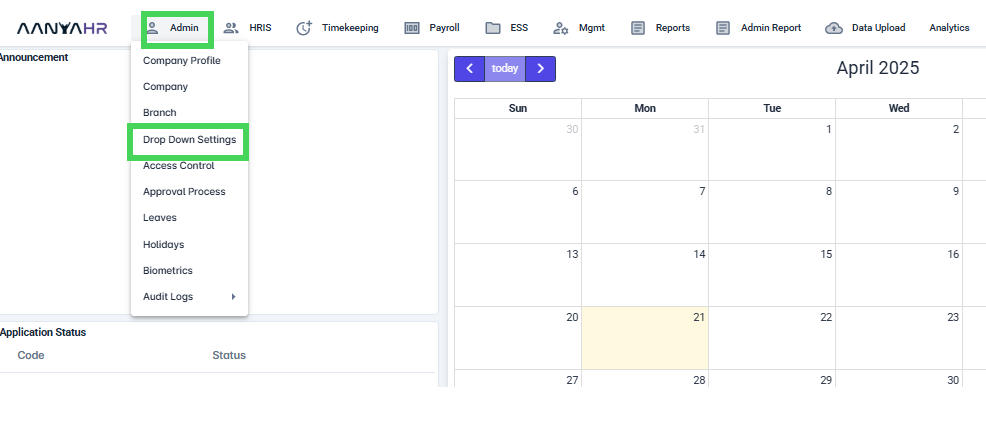
Go to Admin > select dropdown Settings
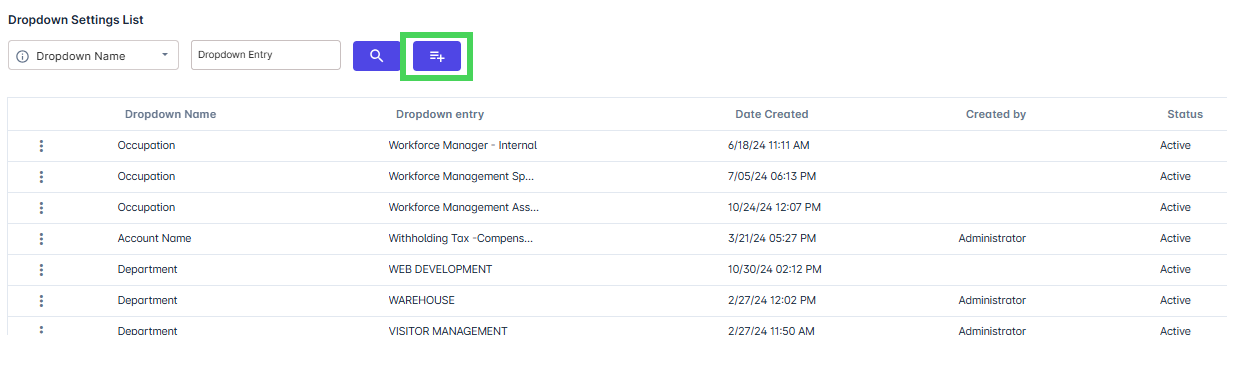
Click adding button
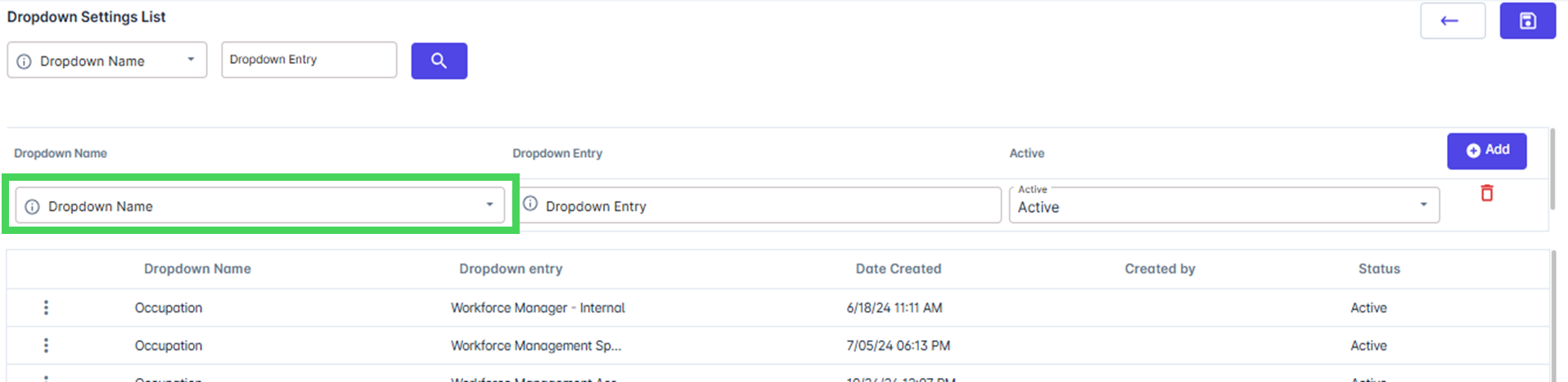
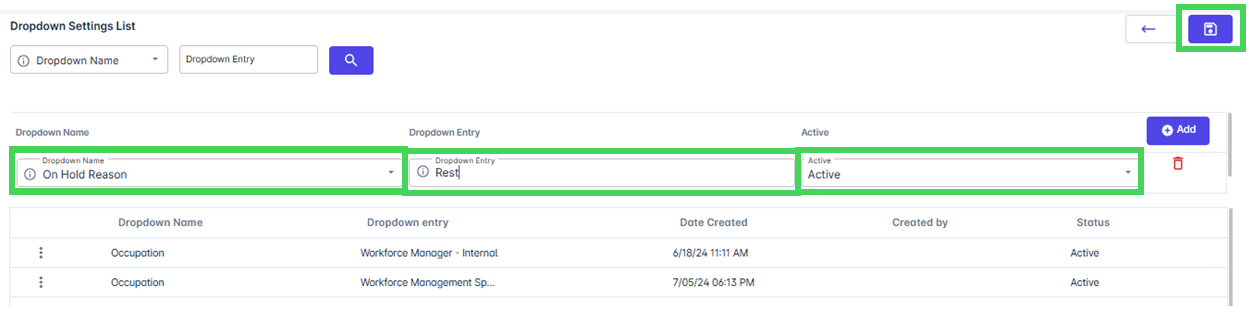
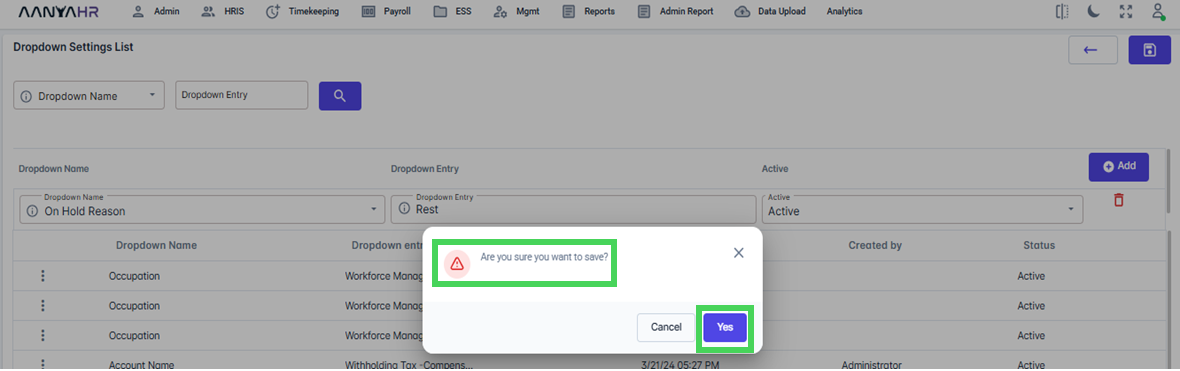
Select from the dropdown list the On Hold Reason, input the specific dropdown Entry and select Active as the Status and Click Save button
A notification will appear asking if you want to save the added "On Hold" reason. Click YES to proceed.
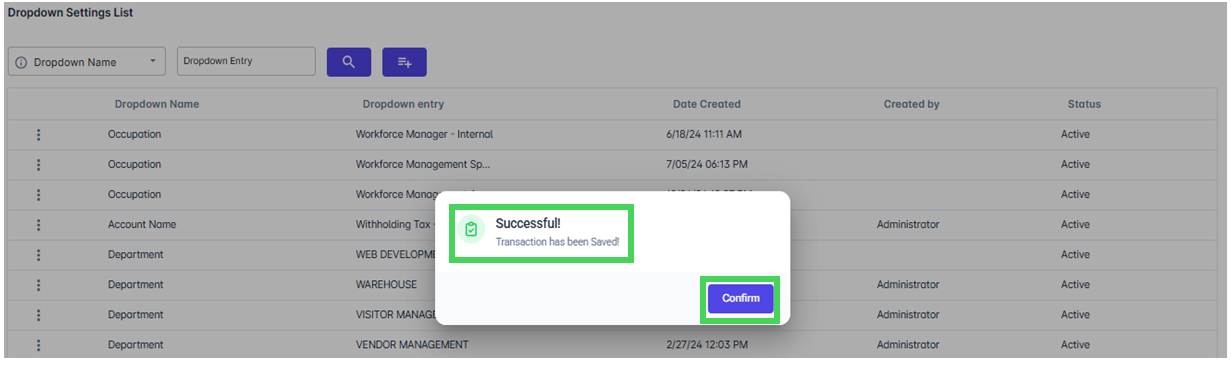
Another notification will show notifying that the data has been added. Click confirm to proceed.
Go back to: