Downloading Time logs Template
Go to AanyaHR and login to your account
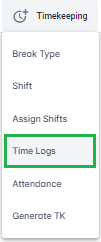
Go to Timekeeping > Time logs
Click "UPLOAD" button

Click "Documents" dropdown then select "Time Logs Upload"


Click "Download Template" button

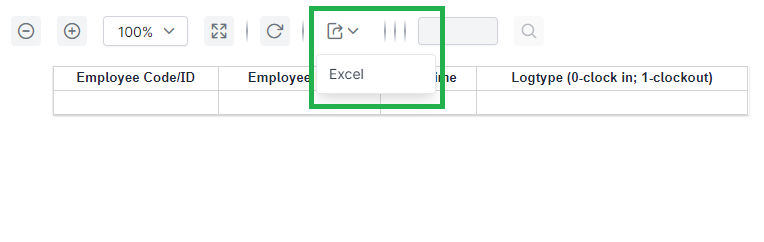
Template will reflect. Click "Export" button then click "Excel"