
Viewing of Employee Location on Timekeeping module
Go to AanyaHR and login to your account
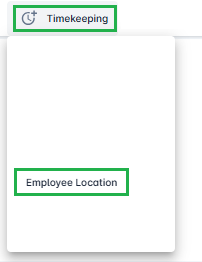
Navigate to Timekeeping > Employee Location
Select the Date & Time From and Date & Time To fields to set your desired time range.

Under Tag Type, you may select multiple tag types.
Important: The “Employee” tag type must always be included.
Examples: Branch + Employee
Supervisor + Employee
Click the Search button to procced

After clicking Search, you will be able to view and track all employee movements within the selected time range.
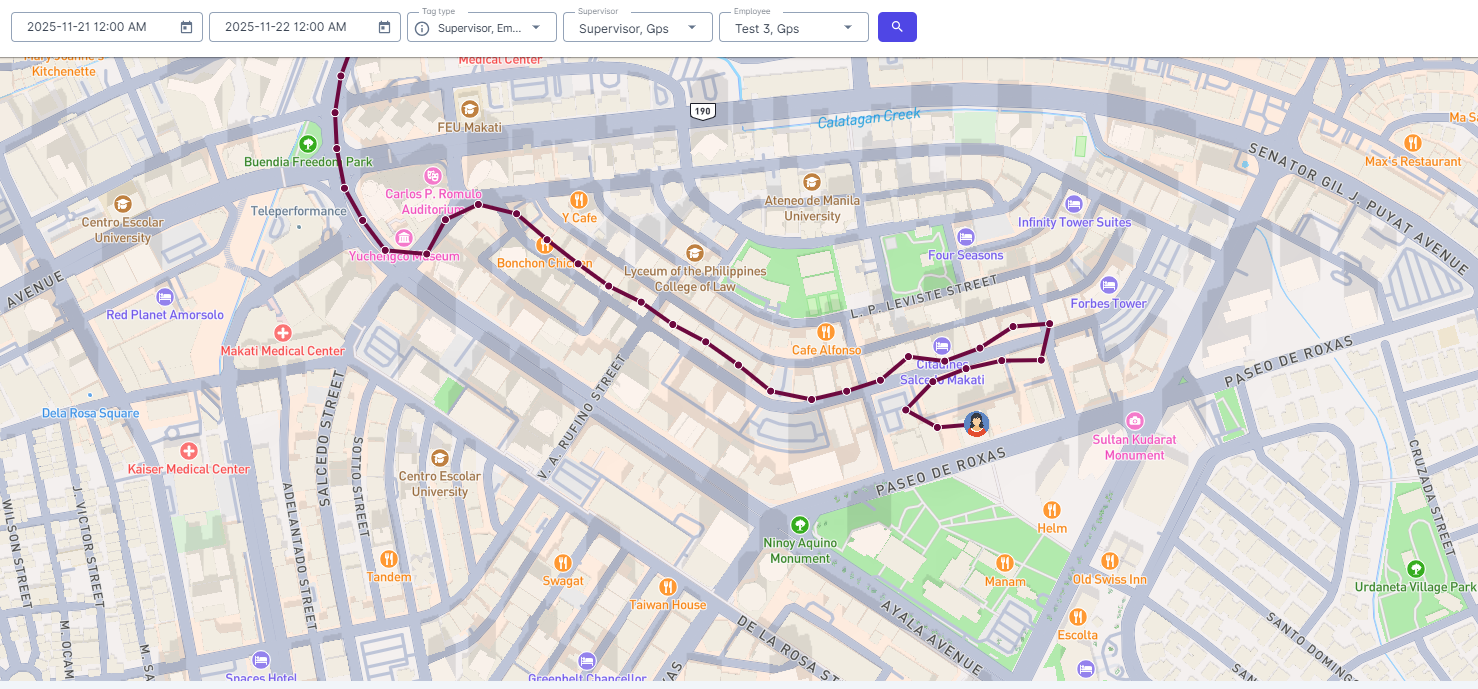
Note: The GPS tracker updates the employee’s location every one minute, but only if movement is detected.
If an employee does not move within a minute, the last recorded location will remain displayed.