
Enabling Location & Battery Optimization for the AanyaHR Mobile Application
After installing the AanyaHR mobile application, long-press the app icon on your device
(You will see three options appear.)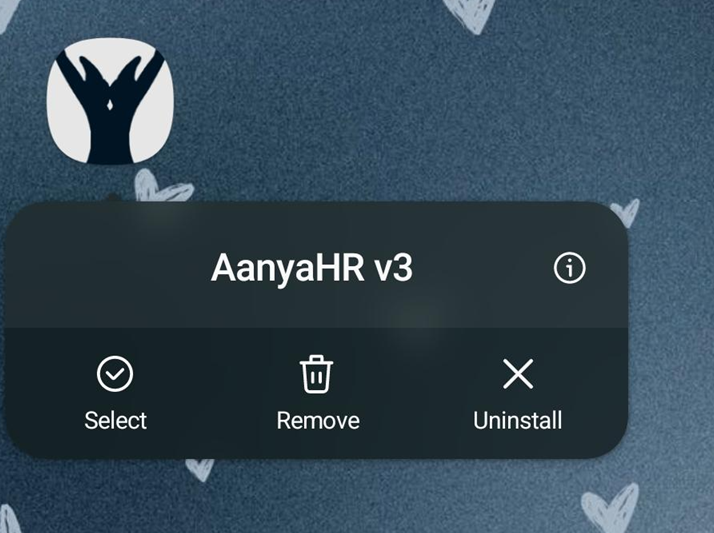
Tap App Info (i)
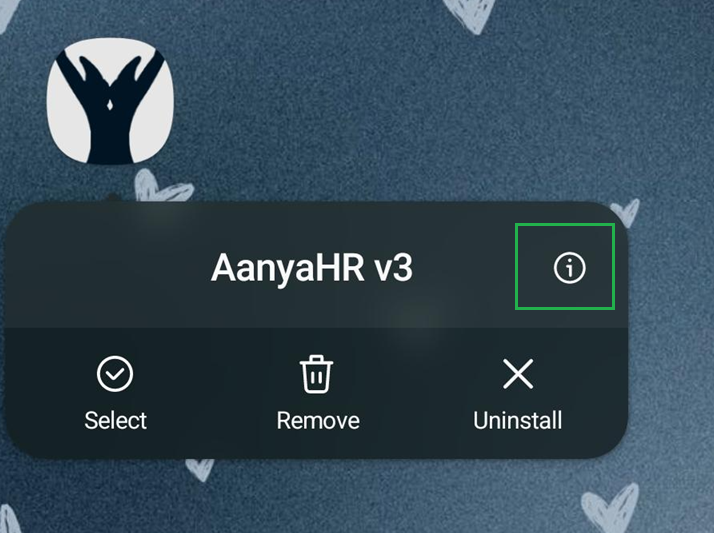
To enable location access:
Select App permissions / Permissions
Tap Location
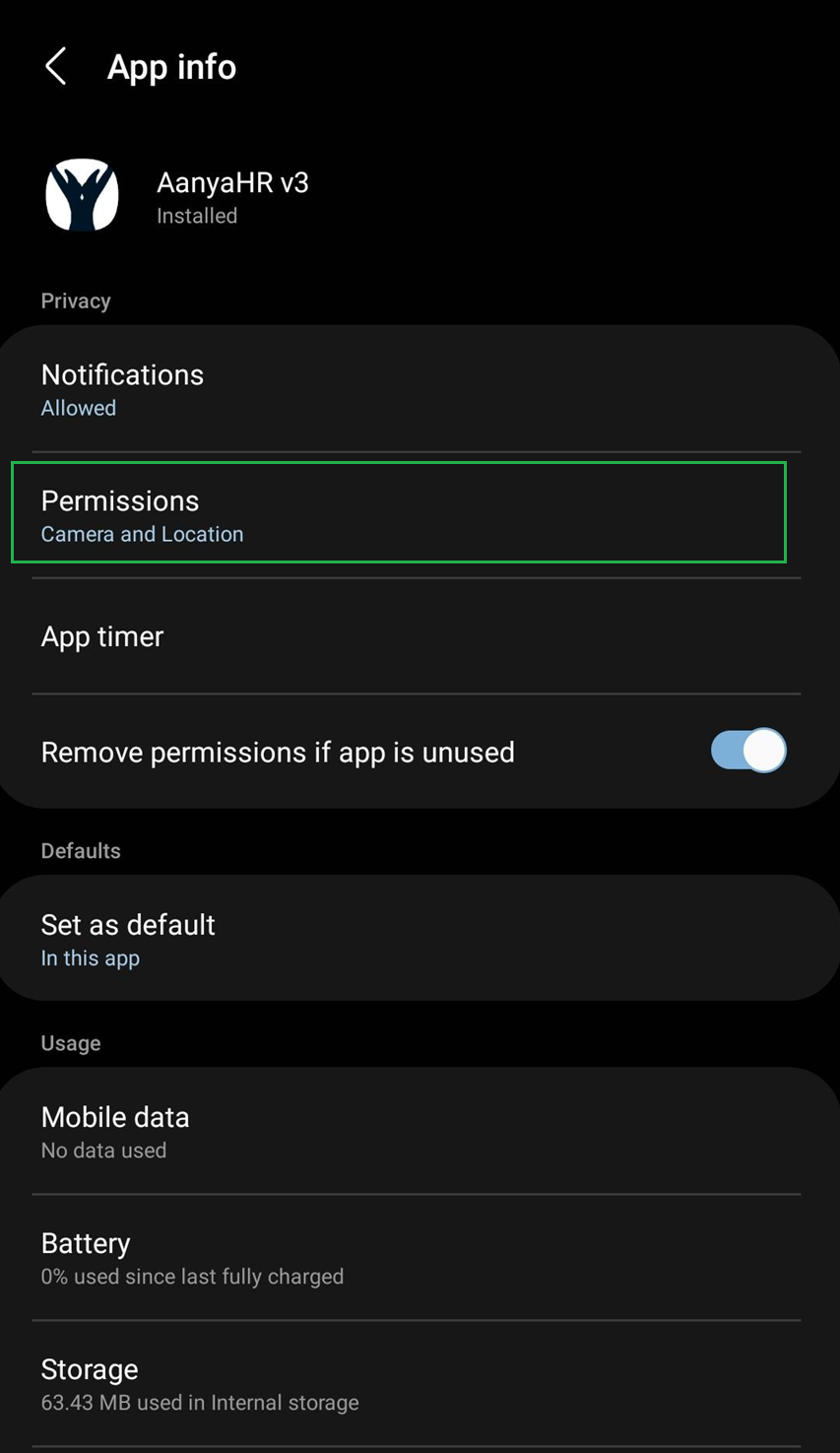
Choose “Allow all the time”

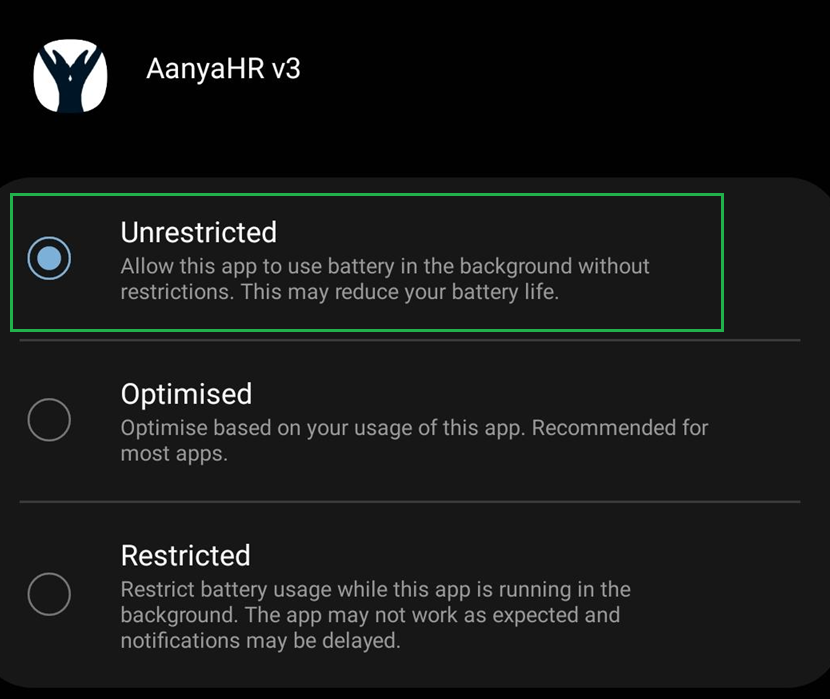
To disable battery optimization:
Go back to App Info
Tap Battery
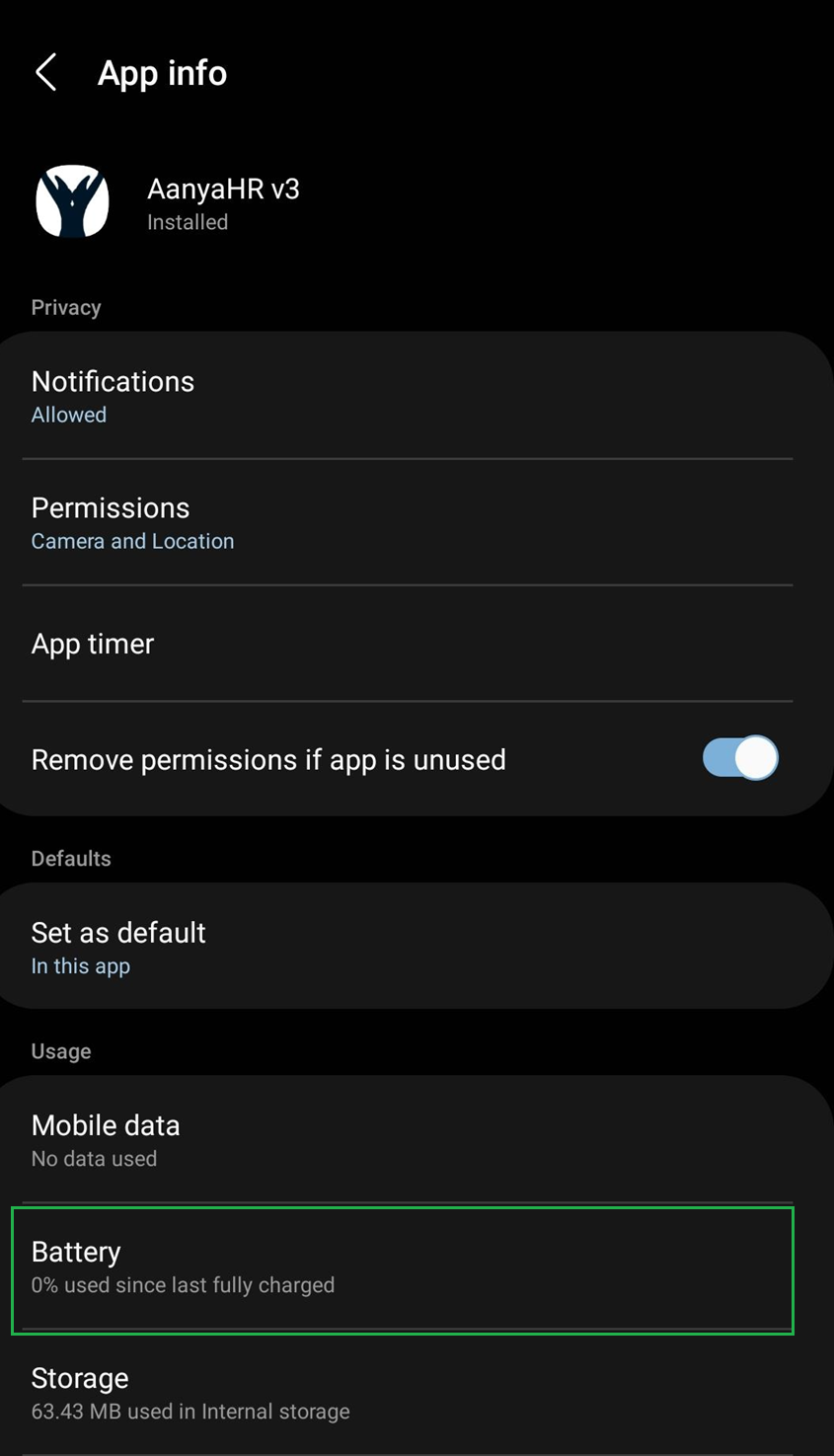
Select No restriction or Unrestricted
Press the Back button to apply and save the changes.