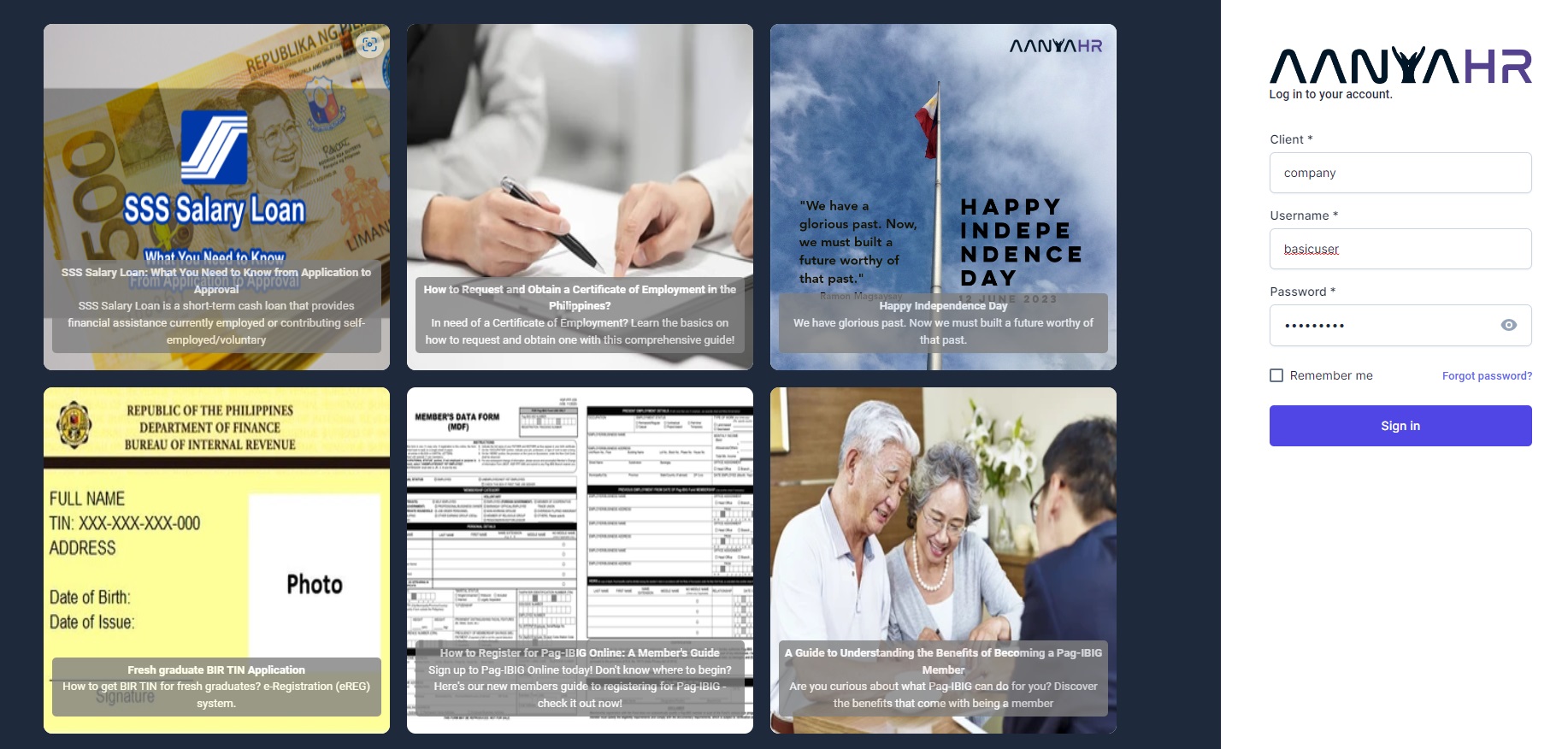
Please follow these steps to change your password.
You can use any of the following methods to change your password:
Web browser
AanyaHR mobile app
How to change password on web browser
Go to AanyaHR and login to your account.
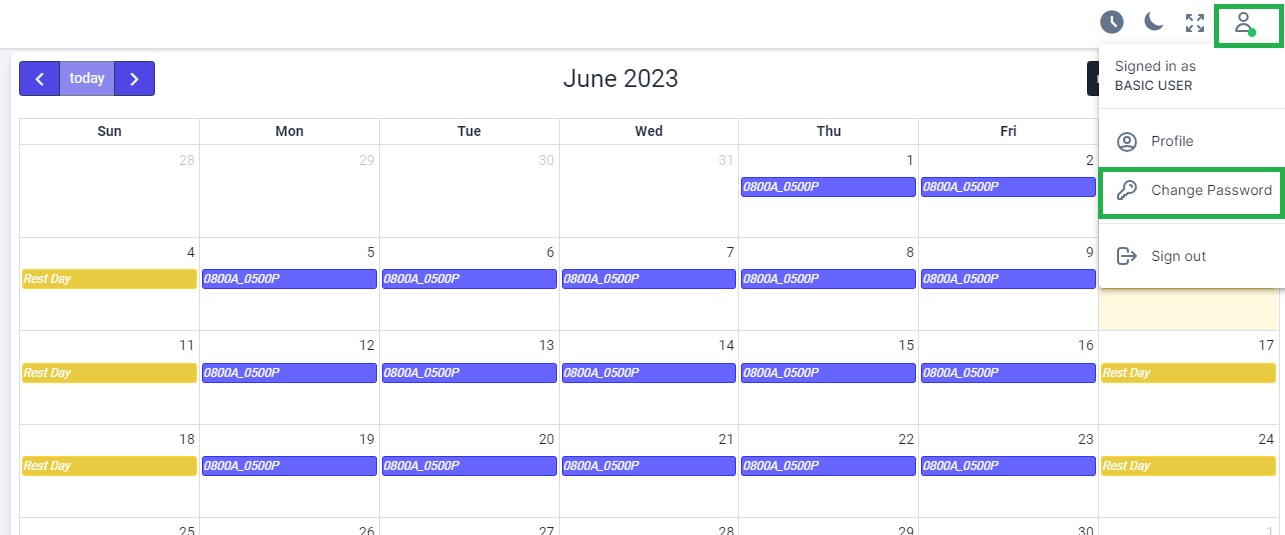
Click on "Profile" icon located at the upper-right portion of the dashboard and click "change password".
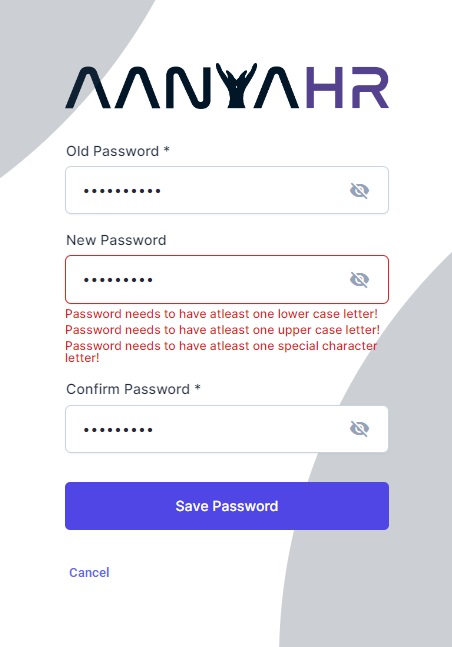
You will be redirected to change password page. Enter your old and new password, then click "Save".
Note: New password must contain at least one number, one uppercase letter, and one special character and be at least eight letters long.
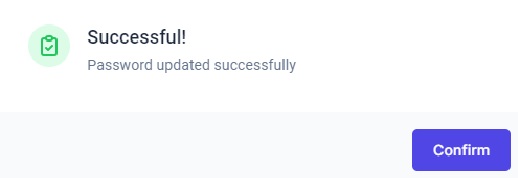
A prompt message "Password update succesfully" will appear. Click "Confirm" to proceed.
You will be redirected to login page. You may now log in with your new password.