Dropdown Settings - is where you can add all the label / division used by your company to categorize group of employees.
Go to AanyaHR and login your account.
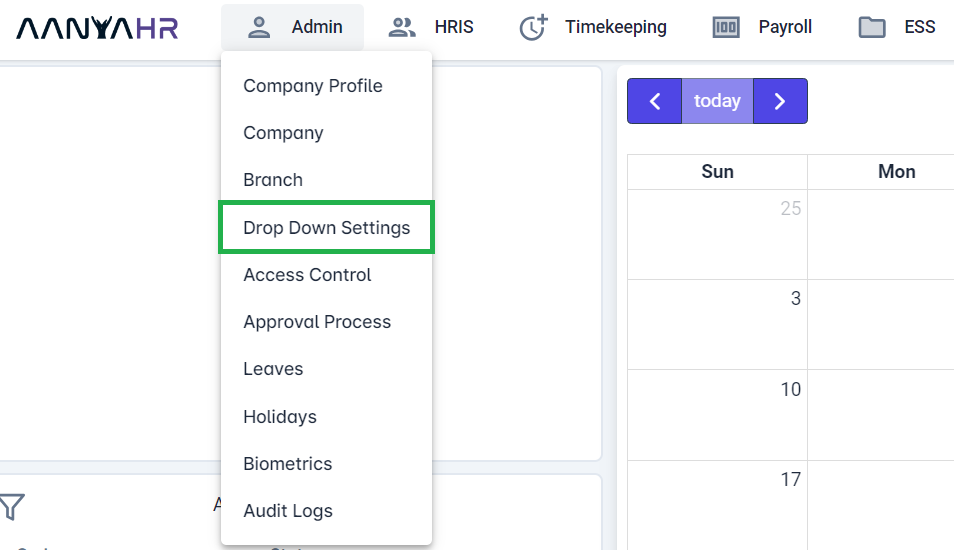
Go to Admin then click on DROPDOWN SETTINGS.
On Dropdown Setting List view, click CREATE button.

On Dropdown Setting tab, enter required information.
ex: Department dropdown - Used to identify the grouping of the employee based on their Department. The codes that are encoded here will be available on Employee's information and can be use as Tag type to report filtering.

Once all required information filed out. Click SAVE (Upper right corner)